



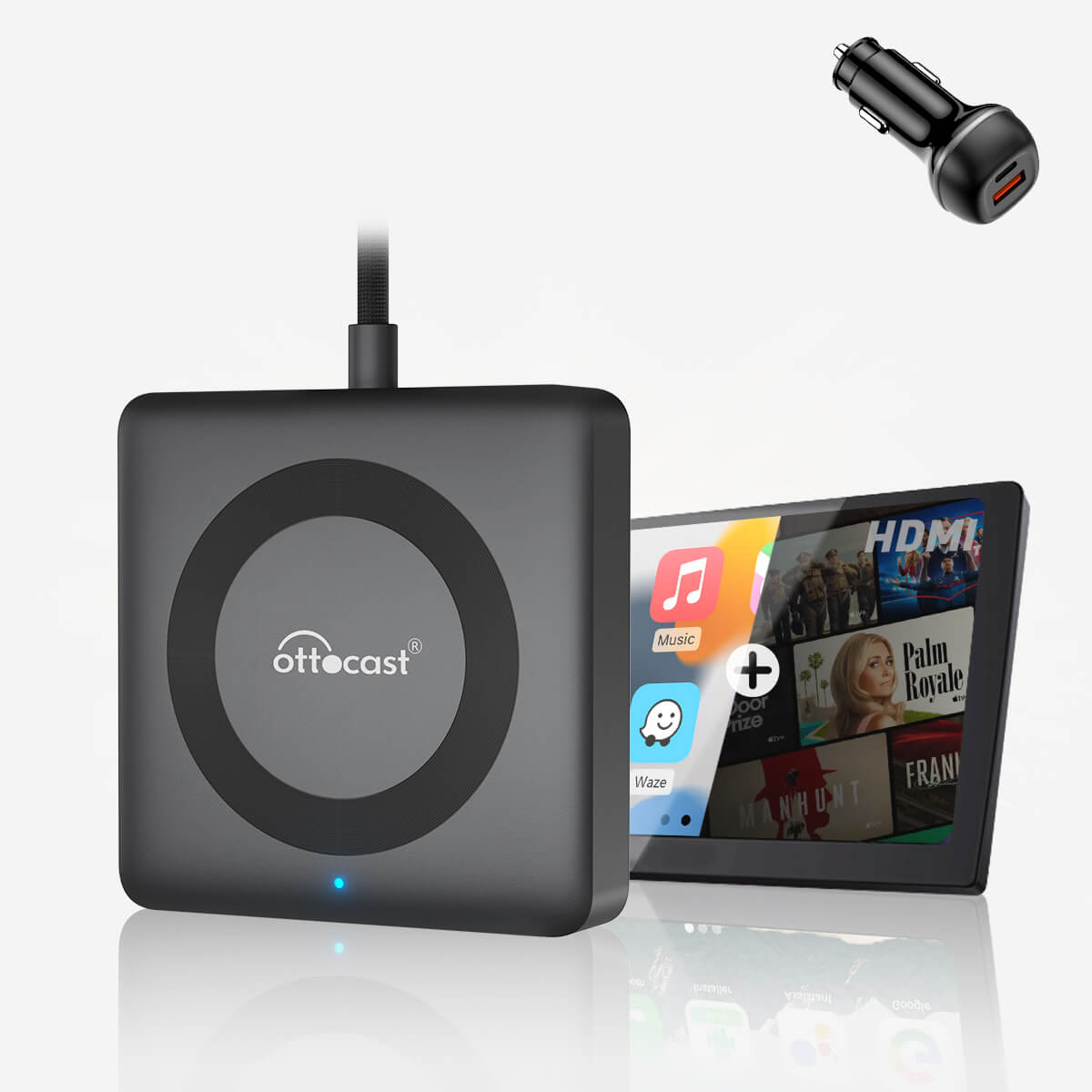
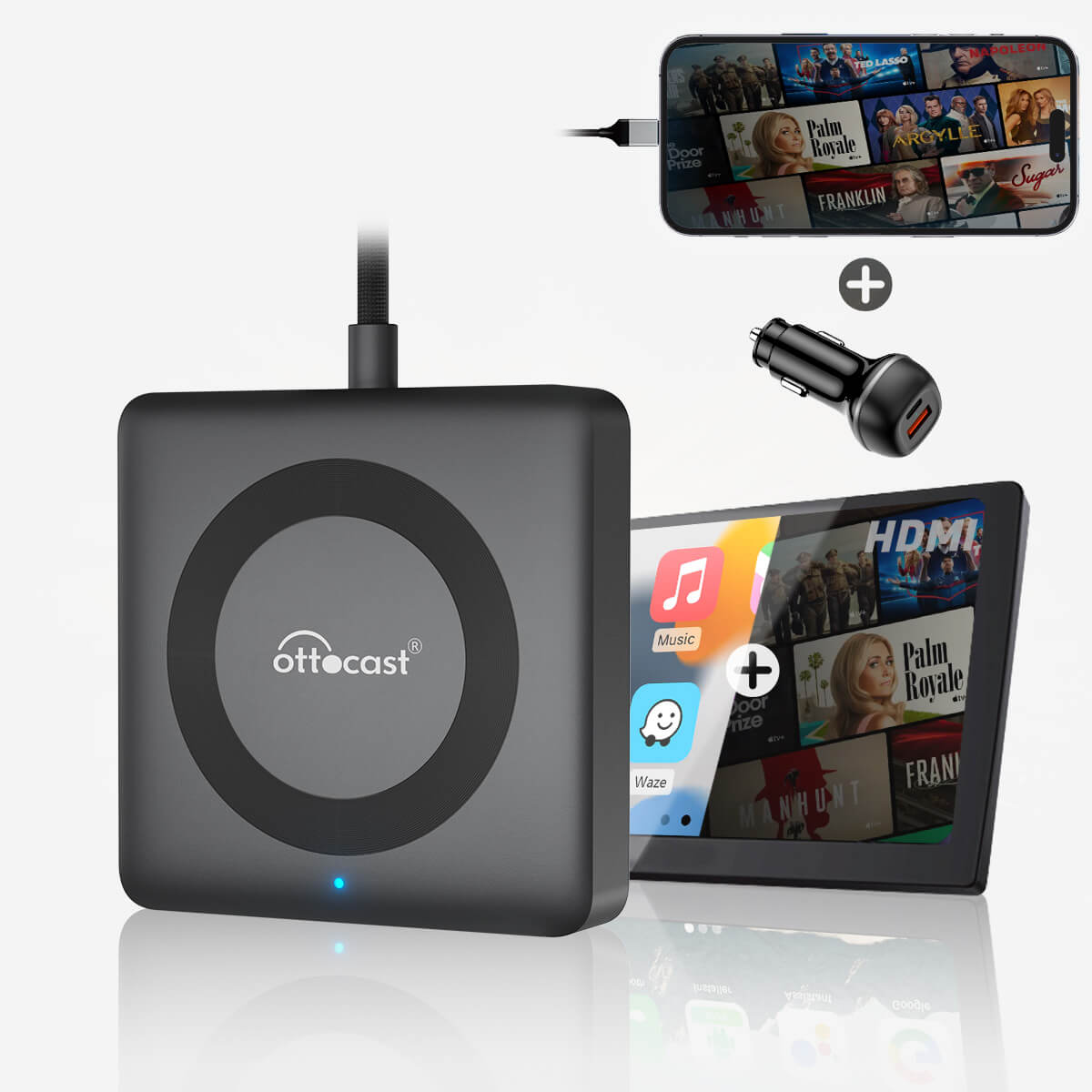
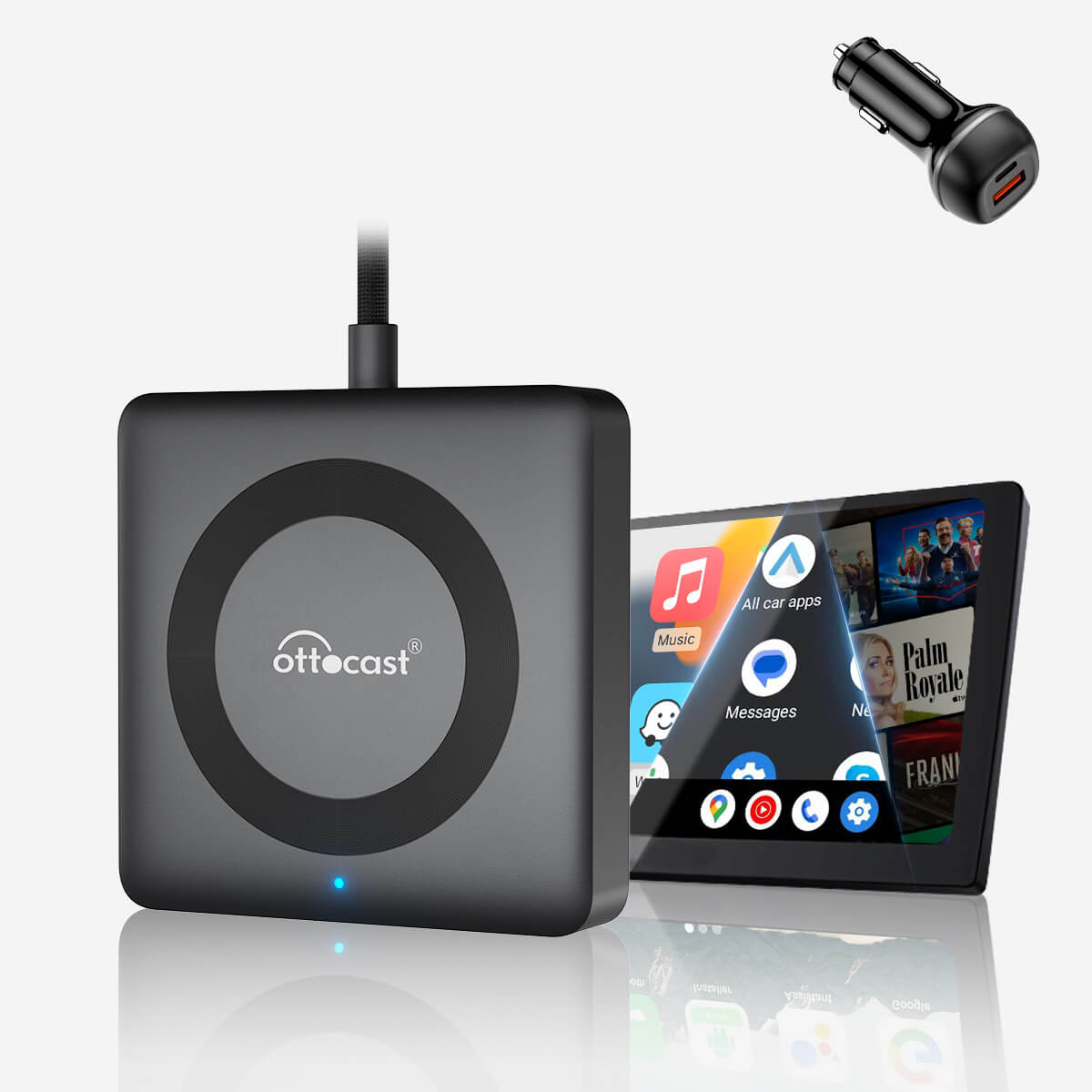
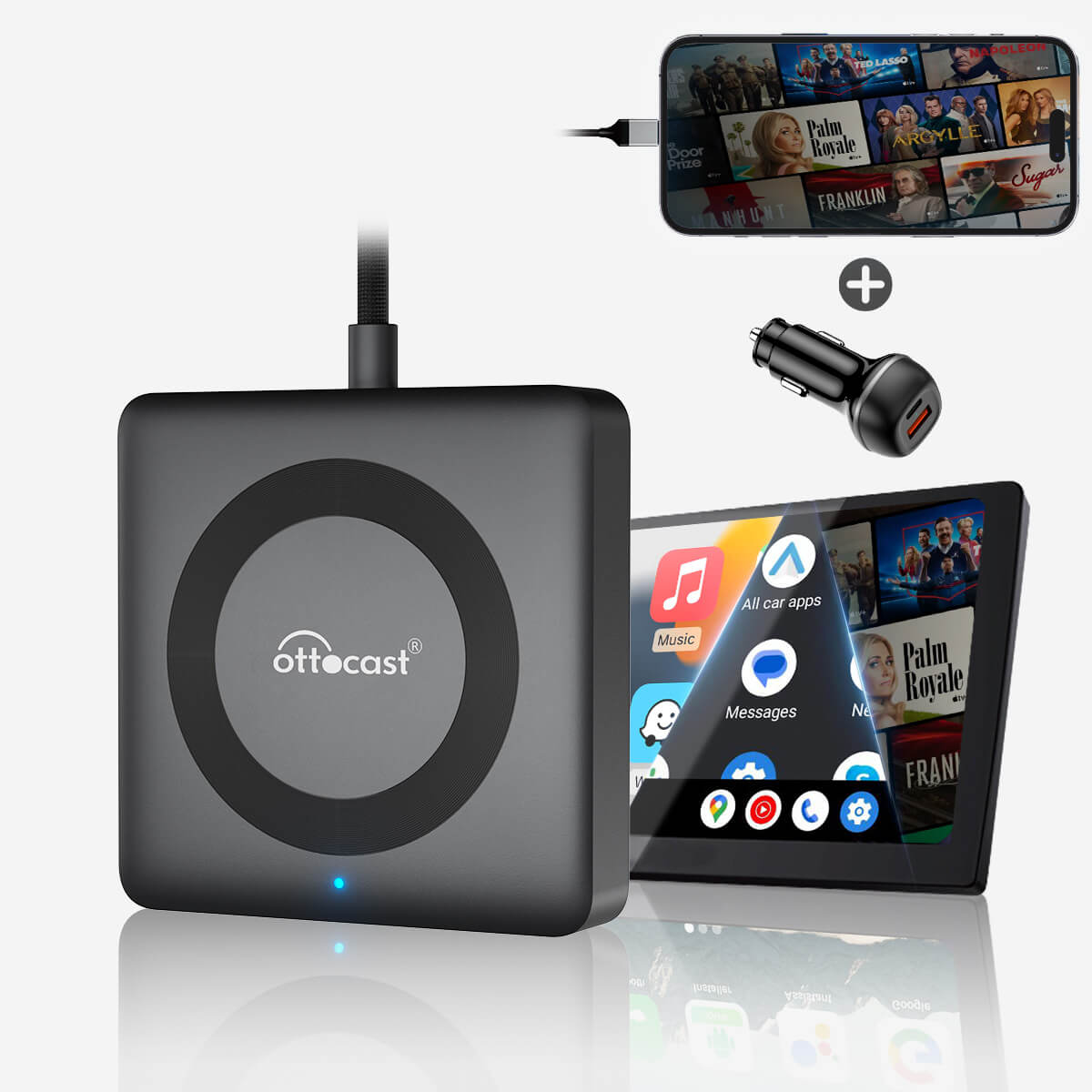
Car TV Mate Pro – HDMI and Wireless CarPlay Multimedia Converter
PRICE
Promotional products
Warranty products
تم العثور على الحل المناسب لسيارتك!
تم اختيار السيارة
Audi A4, 2018
لقد تأكدنا أن سيارتك لا تدعم CarPlay الأصلي من المصنع. لا تقلق! جهاز Ottoscreen AI الموضّح أدناه هو الحل المتكامل لإضافة مزايا ذكية وCarPlay بملء الشاشة إلى سيارتك بسهولة.

Ottoscreen AI – Smart AI Car Screen
تطابق مثالي!
تم اختيار السيارة
Audi A4, 2018
سيارتك متوافقة — تابع التصفح لاكتشاف المزيد مما سيعجبك!
نحتاج إلى تأكيد
تم اختيار السيارة
Audi A4, 2018
نعتذر، هذا الطراز غير موجود في قاعدة بياناتنا. يُرجى تأكيد معلومة مهمة: هل سيارتك تدعم Apple CarPlay السلكي (بالكابل)؟شاهد فيديو الشرح أدناه، أو استخدم أداة ذكاء اصطناعي (مثل Gemini أو ChatGPT) للبحث سريعًا عن مواصفات سيارتك والتأكد. إذا كانت تدعم CarPlay السلكي، فمنتجاتنا ستكون مناسبة تمامًا!
تم اكتشاف CarPlay اللاسلكي
تم اختيار السيارة
Audi A4, 2018
بما أن سيارتك تدعم CarPlay اللاسلكي بالفعل، اطّلع على Ottoaibox i3 لتشغيل الفيديو داخل سيارتك.

OttoAibox i3 – Smart CarPlay Box for BMW Cars
تطابق مثالي!
تم اختيار السيارة
Audi A4, 2018
سيارتك متوافقة — تابع التصفح لاكتشاف المزيد مما سيعجبك!
تم اكتشاف Android Auto السلكي
تم اختيار السيارة
Audi A4, 2018
لقد اكتشفنا أن سيارتك تدعم Android Auto السلكي فقط، ولا تدعم CarPlay اللاسلكي. لذلك فهذا المنتج غير متوافق مع سيارتك. لا تقلق! محوّل A2Air Pro الموضّح أدناه هو الخيار الأنسب لك.
1. Vehicle compatibility
Click here to check if your car supports wired CarPlay
👉 Instructional video
❌Not compatible with BMW vehicles. Click here for the BMW version of the product: BMW Wireless CarPlay AI Box
Ideal for iPhone users, and supports iOS 10 or later versions.
❌ Not suitable for Sony aftermarket head unit.
❌ For Mitsubishi cars, please leave a note in the order on the shopping cart page or email us.
2. Phone screen display compatibility
It only supports CarPlay and an HDMI IN port. Its Wi-Fi network is used exclusively for wireless CarPlay connectivity and is not intended for internet use.
To play videos, a device with an HDMI OUT port (up to 2K resolution) must be connected to the HDMI IN port. If using a TV stick, it can be manually set to 2K resolution to ensure compatibility.
- Our product does not include an HDMI cable for connecting your phone. To use screen mirroring via HDMI, please note the following:
- Android phones must support the DP protocol and require our Type-C to HDMI cable. Click to check.
iPhone users should purchase a Lightning to HDMI cable from Apple's official website.
Tip: The USB port on the adapter is for firmware updates and should not be used to power HDMI devices to avoid power supply issues.
After-sales policy

Returns within 30 days

Shipping within 1-2 days
Share
Car TV Mate Pro
Stream, call, and play—all on your car's screen.
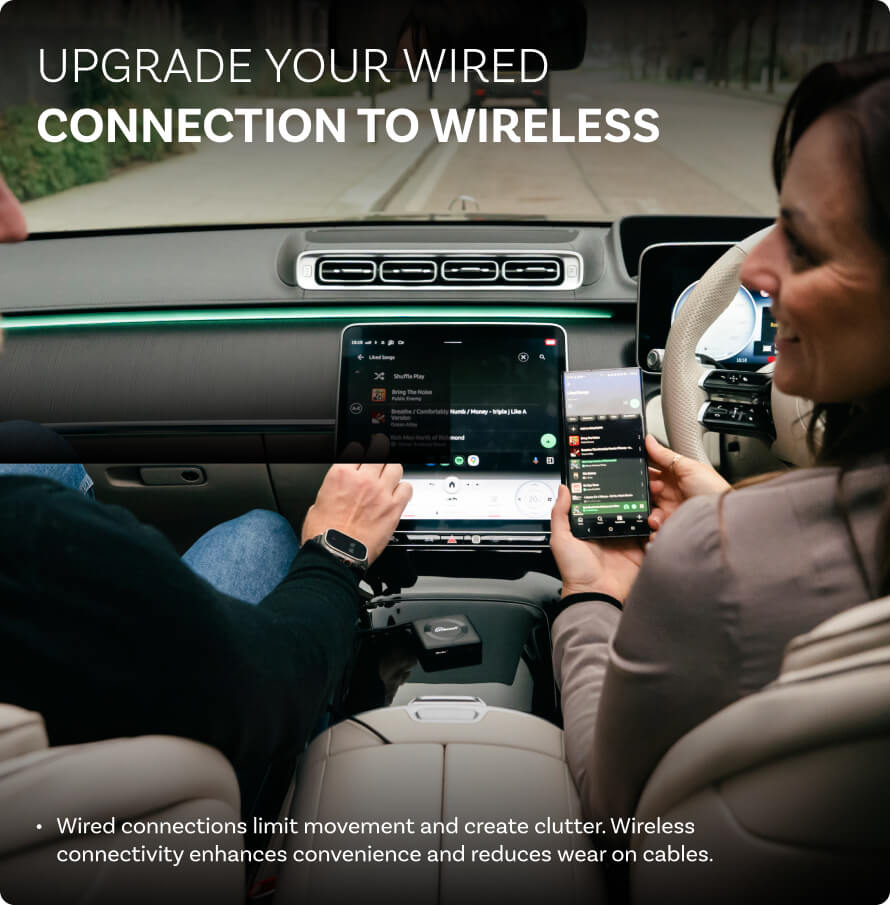
The Car TV Mate Pro upgrades your car with wireless CarPlay support, HDMI support, and wired phone display to provide a seamless entertainment experience.


HDMI input

Wireless CarPlay

Automatic reconnection

Over-the-air upgrades

Simple installation
Why choose Mate Pro?


HDMI support and wired display
Turn your car into a mobile entertainment center—watch movies, play games, or give presentations.


Fast automatic reconnection
The device remembers the last paired phone and connects immediately when you start your car.


Instant wireless upgrade
Convert wired CarPlay to wireless in seconds.


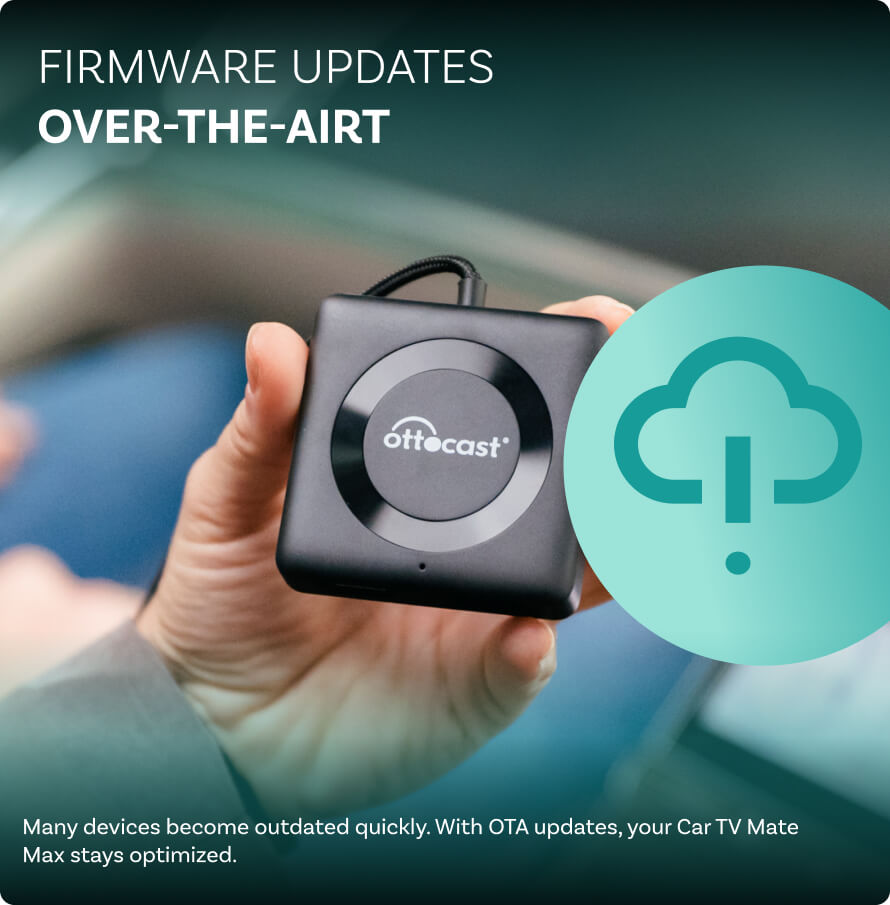
Over-the-air (FOTA) firmware updates
Regular software updates are sent over the air via the OttoPilot app, without the need for manual downloads or installations.


Simple installation using plug and play
No apps needed, no complicated setup—just plug in and enjoy.


HDMI and wired projection
Standard car systems offer limited entertainment options. HDMI support allows you to connect gaming consoles, streaming devices, and more.
Don't miss a moment, even on the go. Connect your streaming devices or gaming consoles anytime, anywhere.
Easily integrate your phone's apps with your car via a wired connection. To use this feature, you'll need a Type-C to HDMI adapter cable. Buy it here: Type-C to HDMI Cable
Make the atmosphere lively, especially on long journeys.



Over-the-air (FOTA) firmware updates
Long-term value—your system always runs smoothly without the need for manual updates.

- It enables automatic software updates that are sent wirelessly via the OttoPilot app.
- It ensures the system stays updated with the latest features.
- It eliminates the need for manual firmware updates.
- It provides access to a dedicated technical support team 24/7.
Simple installation using plug and play
Plug it into your car's USB port and start using it immediately, without the need for special tools or apps. It works with CarPlay right out of the box.


Connect it to a USB port


The car screen displays wireless connectivity.


CarPlay starts immediately.
compare
Compare our most popular products below.
 Car TV Mate Pro – HDMI and Wireless CarPlay Multimedia Converter
$64.00 USD
Buy Now
Car TV Mate Pro – HDMI and Wireless CarPlay Multimedia Converter
$64.00 USD
Buy Now
|
 Standard CarPlay
|
 Latest AI Boxes
|
|
|---|---|---|---|
| wireless connection |
|
|
|
| HDMI device support |
|
|
|
| Display your phone screen via cable |
|
|
|
| Automatic reconnection |
|
|
inconsistent
|
| Firmware updates |
(over the air)
|
Manual updates
|
It is rarely updated
|
| Plug and play |
|
Setup required
|
|
You might also like


